eLabFTW 6 and its breaking changes
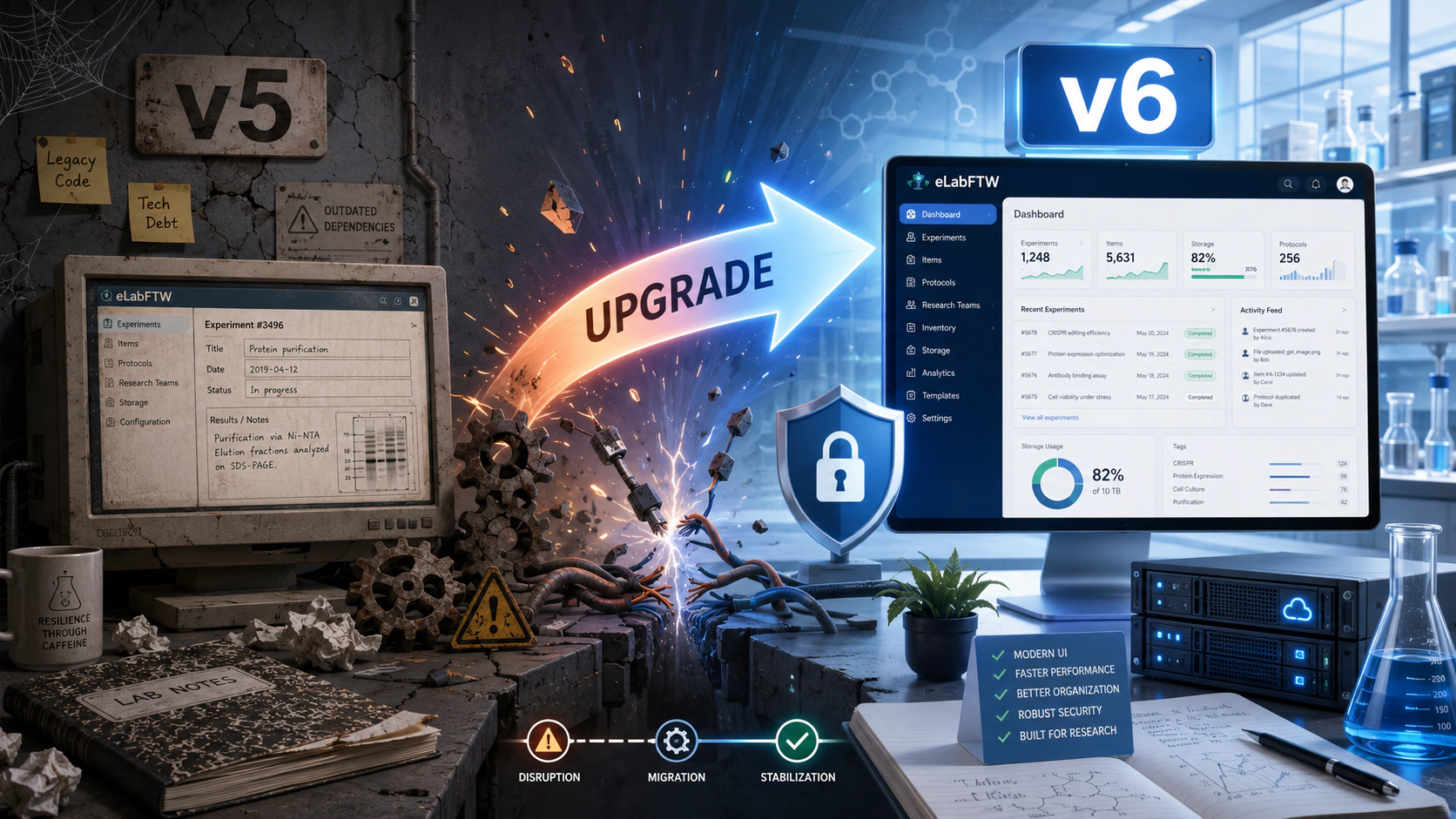
Why eLabFTW 6 includes breaking changes
Upgrading software should ideally be straightforward. However, some improvements cannot be introduced without changing assumptions that have existed for many years.
This post explains why eLabFTW 6 introduces several breaking deployment changes, and why we believe the resulting improvements are worth the additional migration work.
The weight of historical decisions
eLabFTW has evolved continuously for more than a decade. Some architectural decisions that were reasonable at the time have gradually become limitations.
One example is the web server inside the eLabFTW container, which historically listened on port 443. Ports below 1024 are privileged on Linux, so binding to port 443 normally requires either root privileges or an additional capability such as CAP_NET_BIND_SERVICE.
Changing the internal listening port affects the port mapping used by existing deployments. It therefore cannot be introduced transparently in a patch or minor release: existing configurations must be updated.
A major release provides the appropriate opportunity to reconsider such long-standing decisions, reduce technical debt, and establish a sounder foundation for future versions.
Containers, users, and root privileges
When Docker popularized containerisation more than ten years ago, the Docker daemon normally ran as root, and many container images also started their processes as root.
In previous eLabFTW images, the nginx master process started as root so it could bind to port 443. It then started its worker processes under the less privileged nginx account.
This is a common configuration, but avoiding root entirely provides stronger defence in depth. In eLabFTW 6, the application services can run as an unprivileged user without requiring additional Linux capabilities.
This matters when considering vulnerabilities in the application, its dependencies, the container runtime, or the Linux kernel. Running the application without root privileges reduces the permissions available to an attacker if one of those security boundaries is crossed.
It does not make container escapes harmless, but it significantly reduces their potential impact.
A read-only container filesystem
Container runtimes can mount the container’s root filesystem as read-only.
This prevents a compromised application from modifying its own source code, executables, system libraries, or configuration files stored in the image. It removes an entire category of persistence and tampering techniques.
eLabFTW 6 has therefore been adapted to support a read-only root filesystem. Directories that legitimately require writes remain separate, including:
- persistent application data;
- uploaded files;
- generated exports;
- runtime files under /run;
- explicitly configured writable volumes or temporary filesystems.
The result is a clearer separation between immutable application code and writable application data.
A cleaner filesystem layout
This work was also an opportunity to improve the layout of files inside the container.
Previously, uploaded files were stored under:
/elabftw/uploads
They are now stored under:
/var/lib/elabftw/uploads
The /var/lib hierarchy is conventionally used for persistent application state. This is consistent with other container images—for example, MySQL stores its data under /var/lib/mysql.
The same principle applies to exports and other generated data. Keeping writable data outside the application source tree makes the image easier to understand, develop, secure, and operate.
What changes for administrators
Because these changes affect ports, volumes, filesystem permissions, and writable directories, existing deployments will require configuration adjustments when upgrading from version 5 to version 6.
The upgrade documentation will describe the required changes for Docker Compose and other supported deployment methods.
These are deliberate breaking changes rather than accidental incompatibilities. They allow eLabFTW 6 to be deployed with:
- application processes running as an unprivileged user;
- no requirement to bind to a privileged port;
- a read-only container root filesystem;
- a clearer separation between application code and persistent data;
- a smaller and more controlled writable surface.
An upgrade guide is available here: https://doc.elabftw.net/docs/install/upgrade/update-6
Conclusion
Perfect backward compatibility is desirable, but preserving every historical implementation detail indefinitely would prevent meaningful architectural improvements.
Major releases give us the opportunity to remove old constraints and improve the security and maintainability of the platform.
The upgrade to eLabFTW 6 requires some additional work, but it also provides a cleaner, safer, and more robust deployment model for the years ahead.